



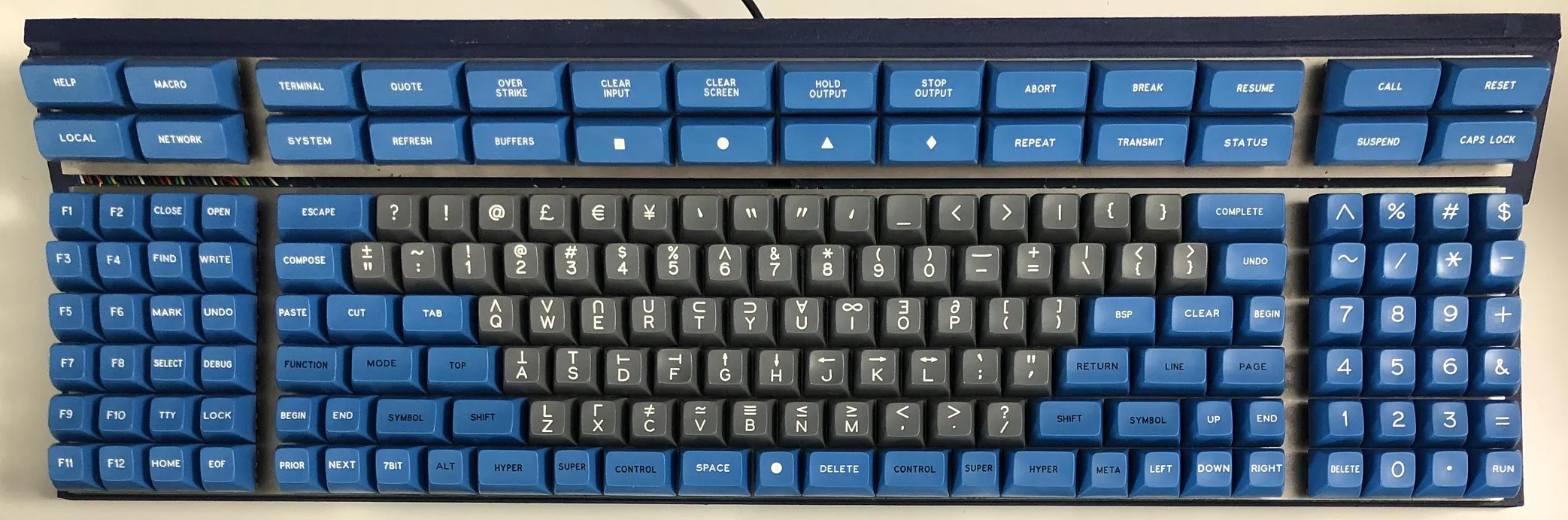
In the world of technology, innovation is ever-present, with devices constantly evolving to enhance our user experience. One such advancement that has gained attention in recent years is the emergence of keyboard with display. These keyboards integrate small screens or digital displays directly into the keys or the keyboard itself. While they offer several exciting possibilities, they also come with a set of challenges. In this article, we’ll explore the pros and cons of keyboards with displays to help you understand whether this technology is right for you.
What Are Keyboards with Displays?
Keyboards with displays are exactly what they sound like: keyboards that feature built-in screens or dynamic displays. These displays can be used to show a variety of information, from shortcut keys and multimedia controls to notifications or even live updates. The most well-known example of such a keyboard is the Razer Deathstalker V2, which features customizable keys with individual screens, allowing users to program different functions for each key.
The Pros of Keyboards with Displays
1. Increased Customization and Productivity
One of the biggest advantages of keyboards with displays is the high level of customization they offer. These keyboards allow users to assign custom functions or shortcuts to individual keys, making it easier to access frequently used commands without having to memorize complex key combinations. This can be particularly beneficial for professional users, such as graphic designers, video editors, and programmers, who require quick access to specific tools and shortcuts.
For instance, a video editor could use a key display to show a timeline scrubber or a shortcut to adjust the clip’s brightness, creating a more efficient workflow.
2. Enhanced Aesthetics and Visual Appeal
Keyboards with displays often come with stunning visual features, such as RGB lighting and dynamic displays that change in real-time. These features can add a new level of aesthetic appeal to a workspace or gaming setup. For gamers, the ability to change key displays according to the game’s needs can provide a more immersive experience, displaying in-game stats, health bars, or inventory items directly on the keyboard.
3. Context-Aware Key Functions
Keyboards with displays can adjust their layout dynamically depending on the program or application being used. This context-awareness means that the keyboard can display different functions or shortcuts based on the task at hand. For example, when editing a document, the keyboard might display options for bold, italics, and underline. When coding, it might show common programming shortcuts.
This level of adaptability can dramatically improve efficiency by reducing the need to switch between applications or constantly refer to menus and toolbars.
The Cons of Keyboards with Displays
1. Increased Cost
Keyboards with displays come at a premium price point. The technology behind dynamic displays, such as OLED or LED screens, adds to the manufacturing cost, which is then passed on to the consumer. As a result, keyboards with displays tend to be much more expensive than traditional mechanical or membrane keyboards.
For casual users who don’t need the extra features, this added cost may not justify the benefits. Users on a budget may find it more economical to stick with a standard keyboard and invest in other areas of their setup.
2. Potential for Distraction
While customizable key displays can be useful, they can also introduce potential distractions. Since the screens are often interactive, they may invite unnecessary tinkering or become an interruption in the middle of tasks. For users who need to stay focused, this can be a drawback. The temptation to constantly change settings or look at dynamic displays might divert attention away from the work at hand.
3. Durability and Maintenance Issues
Keyboards with displays are more complex than traditional models, and this complexity can lead to potential durability issues. The screens embedded in the keys or the board itself are vulnerable to wear and tear, especially with heavy use. Additionally, if the display technology malfunctions, it can be costly to repair or replace. With traditional keyboards, you typically only need to worry about key switches or wiring, but with display-integrated models, the potential for failure is higher.
Conclusion
In conclusion, keyboards with displays are an exciting development that opens up new possibilities for customization, productivity, and user experience. However, they come with their own set of drawbacks, including higher costs, potential distractions, and durability concerns.
Ultimately, whether or not a keyboard with a display is right for you depends on how much you value customization and advanced features. For professionals who rely on efficient workflows and gamers who want a visually dynamic setup, these keyboards can be a great investment. On the other hand, casual users or those with a limited budget might find traditional keyboards more than sufficient for their needs.
